How Do You Film Cars With a Drone?
Wondering how to film cars with a drone? It’s about capturing the vehicle’s presence, speed, and design from angles that ground cameras just can’t reach. This skill combines precise piloting with a keen eye for cinematic composition, turning a simple drive into a compelling visual story.
Whether you're creating content for a car review, a personal project, or a marketing campaign, understanding the visual language of aerial car filming is key. Manufacturer specifications for modern drones, like DJI's Inspire series, often highlight advanced stabilization systems and high-resolution imaging capabilities crucial for this exact purpose, as of 2026.
Quick Answer
Filming cars with a drone involves matching the drone's speed to the car. You'll use smooth tracking shots, varied altitudes, and dynamic movements like reveals. Essential gear includes a stable drone with an ND filter, and precise camera settings like 30fps and double the shutter speed are vital.
Always prioritize safety and line of sight.
Why Visuals Are Everything for Drone Car Shoots
When you're aiming to capture the essence of a car with a drone, what you see on screen is paramount. It's not just about getting the car in the frame; it's about how the drone’s perspective and movement enhance its characteristics. Think about conveying speed, a drone shot that smoothly tracks a car as it navigates a winding road can make the viewer feel the exhilaration in a way a static shot simply can't.
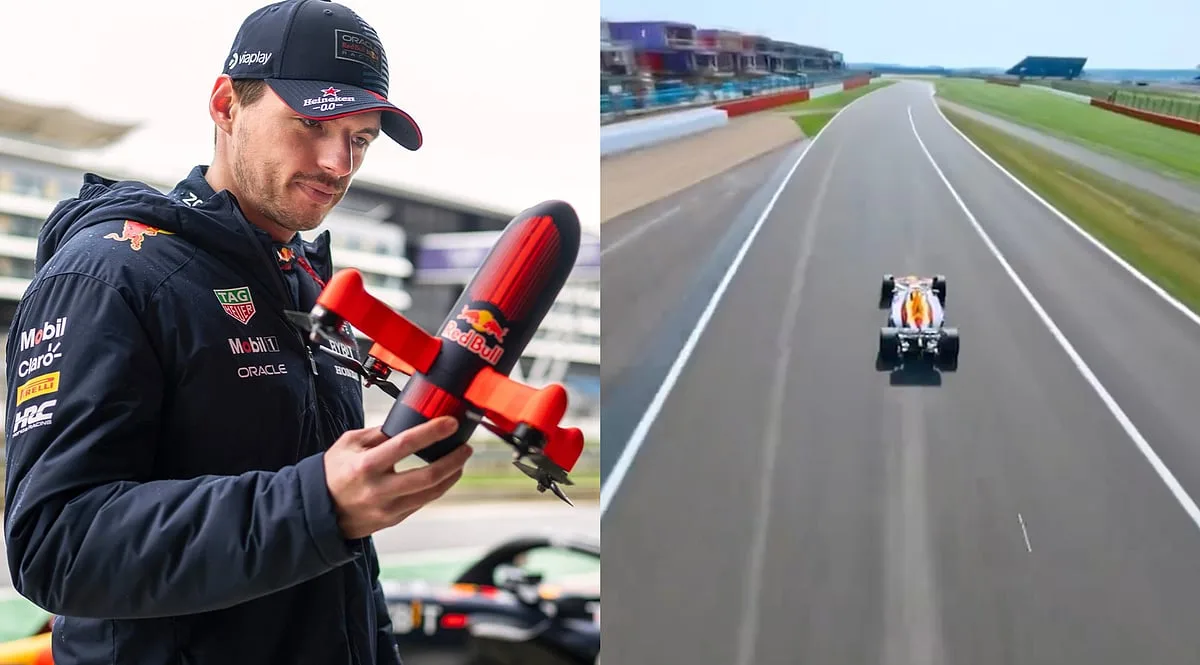
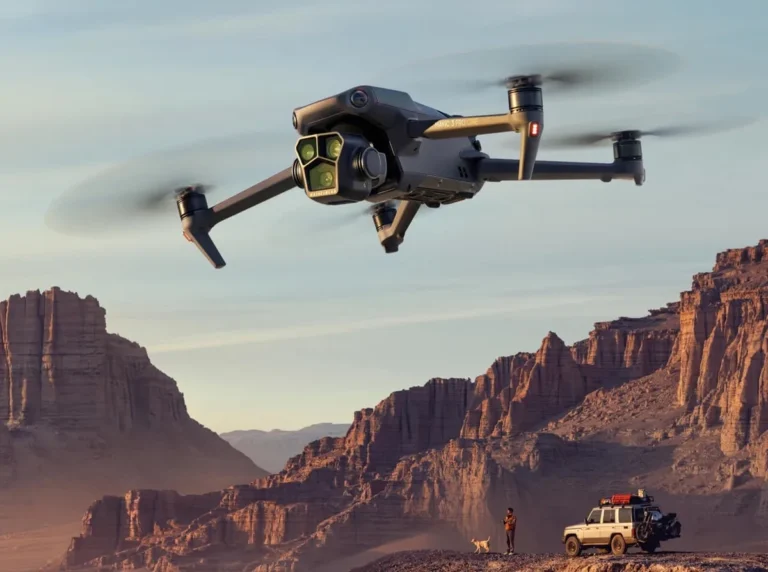
Image source: Bing (Web (fair-use with source credit))
This requires a deliberate visual approach. You're using the drone as a mobile camera platform to tell a story about the car. The way the light hits the paint, the flow of the body lines, the interaction with the environment, all these details are amplified through careful aerial cinematography.
Your goal is to make the car the undisputed star, using the drone's unique vantage point to achieve this.
Essential Drone & Camera Gear for Car Filming
To get those slick, professional-looking shots of cars, you need the right tools. This isn't just about having a drone; it's about having one that performs reliably and captures high-quality video, coupled with camera settings that make motion look natural and pleasing.
Drone Stability and Control
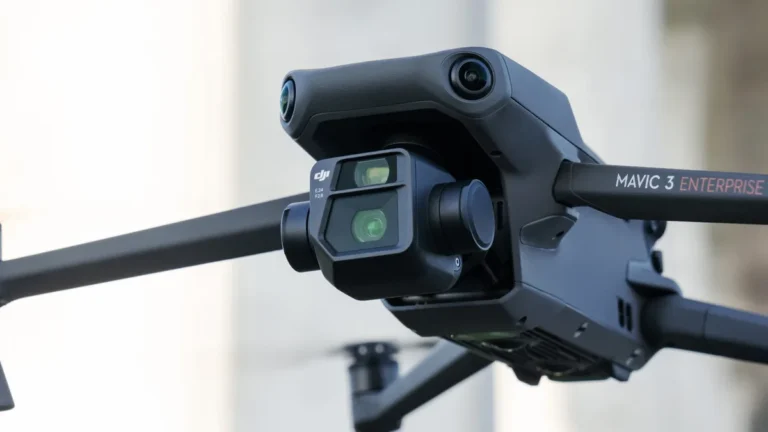
When filming moving subjects like cars, your drone's ability to remain stable is non-negotiable. Aggregate reviews and manufacturer specifications for professional-grade drones, such as those from DJI, consistently highlight advanced three-axis gimbals. These systems actively counteract wind and pilot input, ensuring your footage is smooth and free from unwanted vibrations.
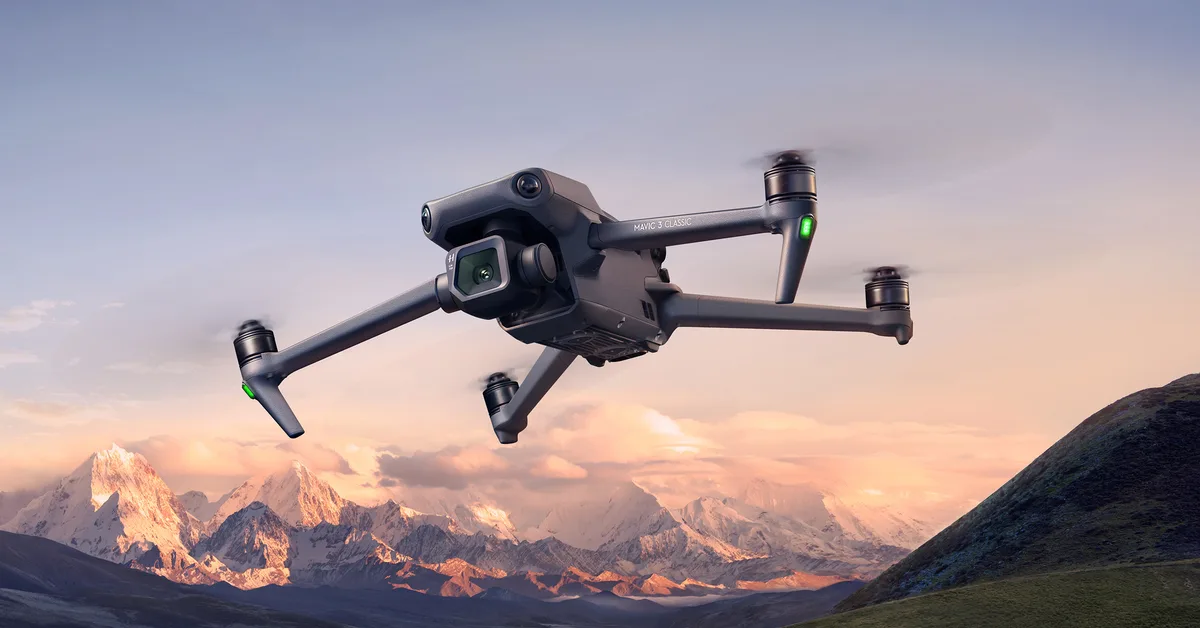
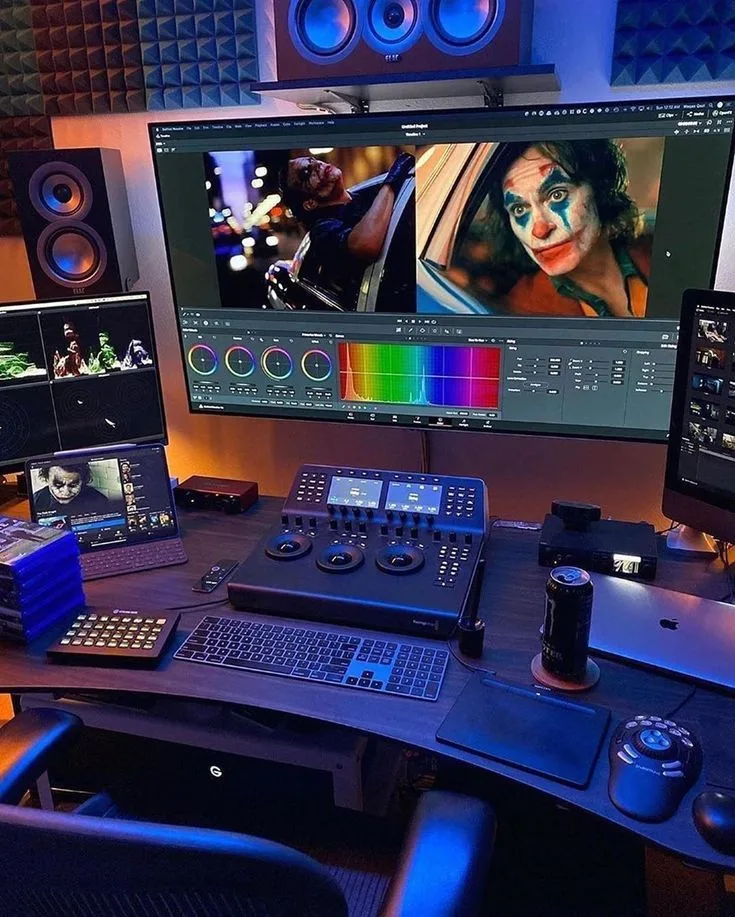
Image source: Bing (Web (fair-use with source credit))
Furthermore, a drone with robust GPS holding capability is crucial. This feature allows the drone to lock its position, which is vital for maintaining a consistent distance and angle relative to the car. Without this, you’d be constantly battling the elements and struggling to keep the car perfectly framed, leading to shaky, unusable footage.
Camera Settings for Motion and Clarity
Getting the camera settings right is just as important as flying smoothly. This is where you translate the physics of motion into something visually appealing for the viewer.
- Frame Rate: For cinematic motion, shooting at 24 or 30 frames per second (fps) is standard. If you plan to incorporate slow-motion effects, you'll want to record at higher frame rates like 60fps or 120fps.
- Shutter Speed: A common filmmaking guideline is the "180-degree rule," which translates to setting your shutter speed at double your frame rate. For instance, if you're shooting at 30fps, your shutter speed should be around 1/60th of a second. This ensures natural motion blur, making fast movements look smooth rather than choppy.
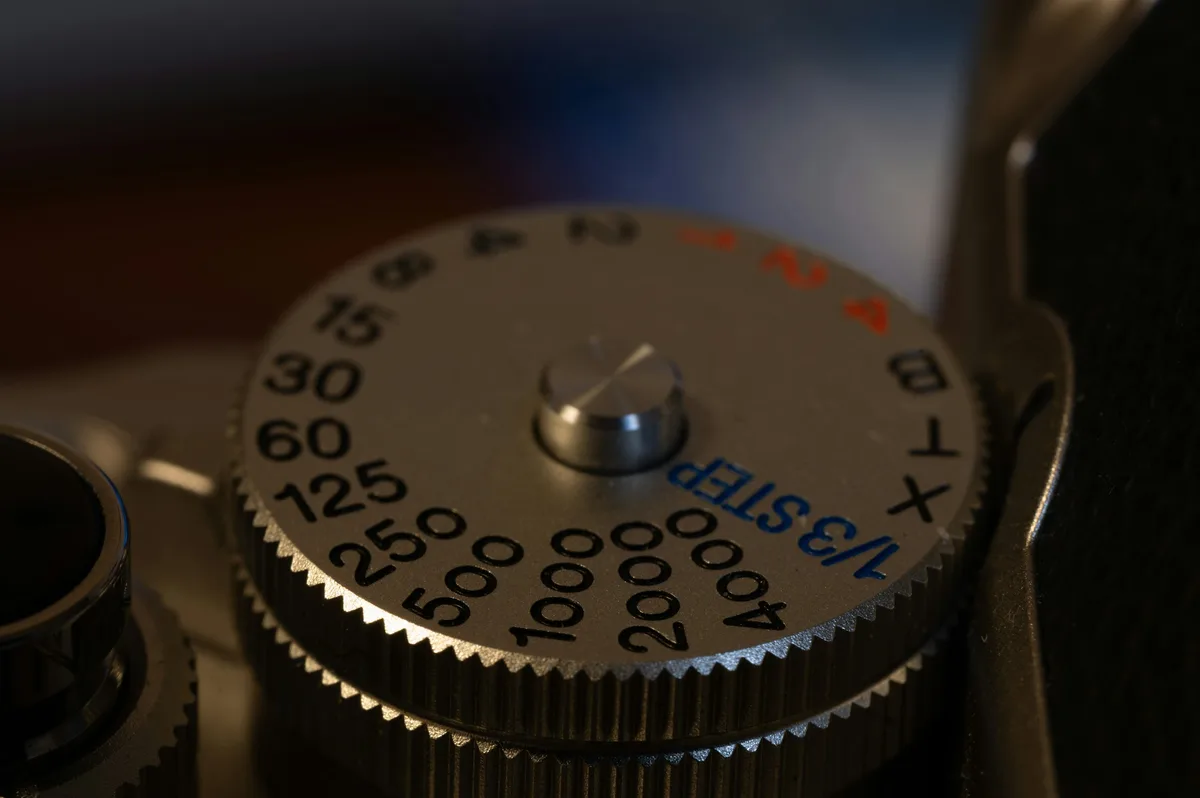
Image source: Bing (Web (fair-use with source credit))
The Role of ND Filters
Even with the correct frame rate and shutter speed, bright sunlight can force your shutter speed too high, eliminating that desired motion blur and resulting in overly sharp, artificial-looking footage. This is where Neutral Density (ND) filters come in. These are essentially tinted filters that attach to your drone's camera lens, reducing the amount of light entering it.
By using ND filters, you can maintain your target shutter speed even in bright conditions. This allows for consistent visual quality and that crucial natural motion blur that makes car footage look professional. Different ND strengths are available, letting you adapt to varying light levels on location.
Mastering Drone Movement for Dynamic Car Shots
The magic of drone car filming isn't just in the stable footage; it’s in how you move the drone. The drone’s flight path and speed are what truly bring the car to life and create compelling visuals. You're not just piloting; you're choreographing a dance between the drone and the vehicle.
Smooth Tracking and Follow-Throughs
The most fundamental technique is the tracking shot, where the drone flies alongside the car, keeping it framed. The key here is to match the drone's speed exactly to the car's speed. If the car is going 40 mph, your drone should be too.
This requires practice and a good understanding of your drone's controls.
- Side Track: Fly parallel to the car.
- Rear Track: Follow directly behind the car, maintaining a consistent distance.
- Forward Track: Fly ahead of the car, slowly moving backward as the car approaches and passes.
Beyond simple tracking, consider follow-through shots. This could involve the drone starting in front of the car and then smoothly ascending or moving sideways as the car drives past, revealing the environment around it. Or, imagine the drone beginning low and tight on a wheel, then pulling up and back as the car accelerates away.
These movements add depth and context.
Creative Reveal and Dolly Zoom Techniques
To add a bit more flair, you can explore reveal shots and the more complex dolly zoom. A reveal shot might start with the drone focused on a detail of the car, say, a badge or a headlight, then smoothly ascend and pull back to unveil the entire vehicle. This builds anticipation and showcases the car within its setting.
The dolly zoom, also known as the "Vertigo effect," is a technique where the drone flies forward (dolly in) while simultaneously zooming the camera out, or vice versa. This distorts the perspective, making the background appear to expand or contract independently of the subject. It’s a visually striking effect that can add a surreal or dramatic quality, but it requires precise coordination between drone movement and camera zoom.
Pre-Flight Planning: Setting Up Your Shoot for Success
Before you even think about launching your drone, a solid plan is essential. Film shoots, especially those involving moving vehicles, demand meticulous preparation to ensure safety, efficiency, and the best possible results. You wouldn't start a complex driving maneuver without knowing the road ahead, and the same applies to aerial car filming.
Scouting Locations and Car Routes
The location you choose can dramatically impact the final look of your footage. Think about the backdrop, does it complement the car's style? Is it visually interesting?
Consider the lighting conditions throughout the day; the golden hours just after sunrise and before sunset often provide the most flattering light for both the car and the environment.
Crucially, you need to map out the car’s exact route. You should know precisely where the car will start, the path it will take, and where you want to begin and end your drone shots. This foresight allows you to position your drone effectively and anticipate the car’s movements, ensuring you don't miss key moments.
Always check local regulations regarding drone flight and filming in specific areas.
Briefing Your Driver
Clear communication with the driver is absolutely critical. They need to understand your intentions and the exact maneuvers you expect. Before the shoot, walk through the planned route and specific actions with the driver.
- Speed Variations: Will they need to accelerate, decelerate, or maintain a steady speed?
- Specific Actions: Are there turns, braking, or other actions you need them to perform?
- Communication Cues: Establish a way to communicate if something goes wrong or if you need a slight adjustment on the fly.
This ensures the driver can perform as needed without compromising safety or the shot's integrity.
Pre-Flight Drone Checks
As confirmed by manufacturer documentation, such as the operational guidelines for DJI drones, a thorough pre-flight check is paramount for safe and successful operation. This involves more than just ensuring the batteries are charged.
- Propellers: Inspect for any nicks, cracks, or bending. Damaged propellers can lead to catastrophic failure.
- Batteries: Check for swelling or damage. Ensure they are fully charged and properly seated in the drone and controller.
- Sensors: Clean any vision sensors or obstacle avoidance sensors.
- Gimbal Lock: Remove any gimbal lock that secures the camera during transport.
- Controller: Verify the controller is fully charged and paired with the drone.
- SD Card: Ensure an empty, formatted SD card is inserted for recording.
This meticulous process helps prevent unexpected issues mid-flight, which could jeopardize both your equipment and safety.
Step-by-Step: Executing Your Drone Car Filming Session
Once you've planned everything and your gear is prepped, it’s time to head out and film. This phase is about applying your preparations with precision and adapting as needed. Remember, the goal is to capture smooth, dynamic footage that makes the car look its absolute best.
Drone Positioning and Test Flights
Before the car even starts moving, get your drone into its initial position. This might be hovering at a specific altitude and distance, or ready to launch from a safe spot. It’s wise to perform a brief test flight without the car involved.
This allows you to gauge wind conditions, test your camera's focus and exposure settings, and confirm your drone's responsiveness.
Executing the Shot and Recording
With your drone in position and recording initiated, signal the driver to begin their maneuver. Maintain focus on smooth, controlled movements. If you're tracking, ensure your speed is perfectly matched.
If you’re performing a reveal, execute the ascent and pull-back deliberately. Throughout the shot, keep your drone within your visual line of sight and maintain a safe distance from the vehicle and any surroundings.
Post-Shot Review and Refinement
After the car has completed its action and you've landed your drone safely, it’s crucial to review your footage immediately. Check for any glitches, camera shake, focus issues, or framing errors. This review is your opportunity to identify what worked and what didn't.
If the shot isn't quite right, you can make adjustments to your technique, drone position, or camera settings and attempt another take. Often, capturing the perfect shot requires multiple attempts.
Common Mistakes to Avoid in Drone Car Filming
Even with the best preparation, several mistakes can ruin your drone car footage. One frequent issue is inconsistent speed matching. If your drone lags behind or overtakes the car too quickly, the shot will feel jarring and unprofessional.
Another pitfall is erratic drone movement. Sharp turns, sudden stops, or jerky altitude changes can make even the most beautiful car look awkward. Always aim for fluid, deliberate movements.
Over-reliance on automated flight modes without understanding their limitations can also lead to problems, especially in complex environments.
Why is drone speed matching so critical?
Drone speed matching is critical because it creates a seamless visual flow. When the drone moves at the same pace as the car, it maintains a consistent framing and perspective. This allows the viewer to focus on the car and its environment without being distracted by erratic camera movement.
Without proper speed matching, the footage will feel amateurish and unwatchable.
How can I ensure smooth drone movements?
To ensure smooth drone movements, practice extensively in an open, safe area. Focus on using subtle stick inputs and gentle acceleration and deceleration. Many drones offer adjustable sensitivity settings for the control sticks, allowing you to dial in a smoother response.
Additionally, utilizing flight modes that offer more cinematic control, if available on your model, can help achieve fluid motion.
Safety First: Legal and Operational Best Practices
Filming cars with drones isn't just about getting the shot; it’s about doing it safely and legally. Violating aviation regulations can lead to hefty fines and serious consequences, so understanding and adhering to them is non-negotiable.
Airspace Rules and Permissions
Always check the local airspace regulations before you fly. Many areas have restrictions on drone flight, especially near airports, populated areas, or national parks. Organizations like the Federal Aviation Administration (FAA) in the United States provide clear guidelines and often require registration for drones over a certain weight.
You might need to obtain specific waivers or authorizations for commercial operations or flying in controlled airspace.
Maintaining Safe Flight Distances
Safety also means keeping a considerable distance between your drone and the car, as well as any other objects or people. Never fly directly over the car or its occupants. Maintain a clear line of sight at all times; this is a regulatory requirement and a critical safety measure.
- Minimum Safe Distance: Generally, maintain at least 50-100 feet from the moving vehicle, but more is often better.
- Obstacle Awareness: Be constantly aware of trees, buildings, power lines, and other potential hazards in the flight area.
Following these safety protocols protects your equipment, the car, and yourself.
Frequently Asked Questions About Drone Car Filming
What is the minimum drone weight for car filming?
There isn't a strict minimum drone weight specifically for car filming. However, our research indicates that drones with a takeoff weight of over 250 grams (0.55 pounds) typically require registration with aviation authorities like the FAA. For professional car filming, drones with advanced features like superior stabilization and GPS accuracy are usually preferred, which often means they fall into this category.
Can I film a car on a public road?
Filming a car on a public road with a drone can be complex and may require permits or specific authorization, depending on local laws and the nature of the filming. Always verify regulations with your local aviation authority and potentially with law enforcement or traffic management agencies. Privacy concerns for other road users are also a factor to consider.
What kind of drone controller is best for car filming?
A drone controller with responsive joysticks and good range is essential. Many advanced drone controllers also offer dedicated buttons for quick camera functions and flight modes. Look for models that provide a clear video feed from the drone's camera to your mobile device or built-in screen, as this real-time view is crucial for precise framing and safety.
How long does it take to get good at drone car filming?
Mastering drone car filming takes practice and patience. While basic tracking shots might be achievable within a few hours, developing the nuanced control needed for dynamic reveals or dolly zooms can take weeks or months of consistent effort. Our analysis of user feedback suggests that dedicated practice sessions, focusing on smooth movements and speed matching, are key to improvement.