What Frame Rate Should I Use for Drone Video?
Choosing the right frame rate for your drone video is more important than you might think. It directly impacts how your footage looks, feels, and whether it’s suitable for different platforms. Getting this setting right from the start saves you headaches later in editing.
In our research, we found that most modern drones offer a variety of frame rate options, often ranging from 24 frames per second (fps) all the way up to 240 fps. Understanding what each of these numbers means and when to use them is key to producing professional-looking aerial footage that fits your intended audience and purpose.
Quick Answer
What frame rate should I use for drone video? Use 24 fps for a cinematic look, 30 fps for general online content, and 60 fps or higher for slow-motion effects. The best frame rate depends on your final viewing platform and desired visual style.
The Frame Rate Decision: It's All About Your Project
Frame rate, often abbreviated as fps, refers to the number of individual still images, or frames, that make up one second of video. Think of it like flipping through a flipbook; the faster you flip, the smoother the motion appears. For drone videography, this choice dictates the fundamental look and feel of your aerial shots, from how motion is rendered to the possibilities available during editing.
Manufacturer specifications for most popular drone models, such as those from DJI, typically include options for 24, 30, 48, 50, 60, and even 120 fps, depending on the drone's capabilities and the selected resolution. Selecting the appropriate frame rate upfront is crucial, as changing it significantly after shooting is impossible.
What's Your Video's Goal?
Before you even power up your drone, it's essential to have a clear vision of what you want to achieve with your footage. The intended destination and style of your video will be the primary drivers in selecting the correct frame rate. Asking yourself a few key questions can help narrow down the options considerably.
- Where will this video be seen? Is it destined for YouTube, Instagram, a personal website, or a cinematic film? Different platforms have different standards and audience expectations.
- What kind of motion do you want to convey? Are you aiming for a fluid, natural look, or do you need to capture fast action with incredible detail?
- Do you plan to use slow-motion effects? This is a major factor; if you want dramatic slow-downs, you'll need a higher frame rate.
- What's the overall mood or aesthetic? Are you going for a dreamy, movie-like feel or a crisp, modern presentation?
Your answers to these questions will directly inform which frame rate will best serve your project.
Cinematic Smoothness: Choosing 24 fps
When many people think of professional filmmaking, they’re picturing footage shot at 24 frames per second (fps). This frame rate is the long-standing standard in the film industry, and for good reason. It provides a certain aesthetic that our eyes have come to recognize as "cinematic."
At 24 fps, each frame has a slightly longer exposure time, which naturally creates a gentle motion blur as subjects move. This blur is not a flaw; it’s a deliberate characteristic that smooths out motion, making fast movements appear fluid rather than choppy. If your goal is to give your drone footage that classic, movie-like quality, whether for a short film, a documentary piece, or even a dramatic landscape sweep, 24 fps is usually the best choice.
It also tends to be a bit easier on computer hardware during editing compared to higher frame rates.
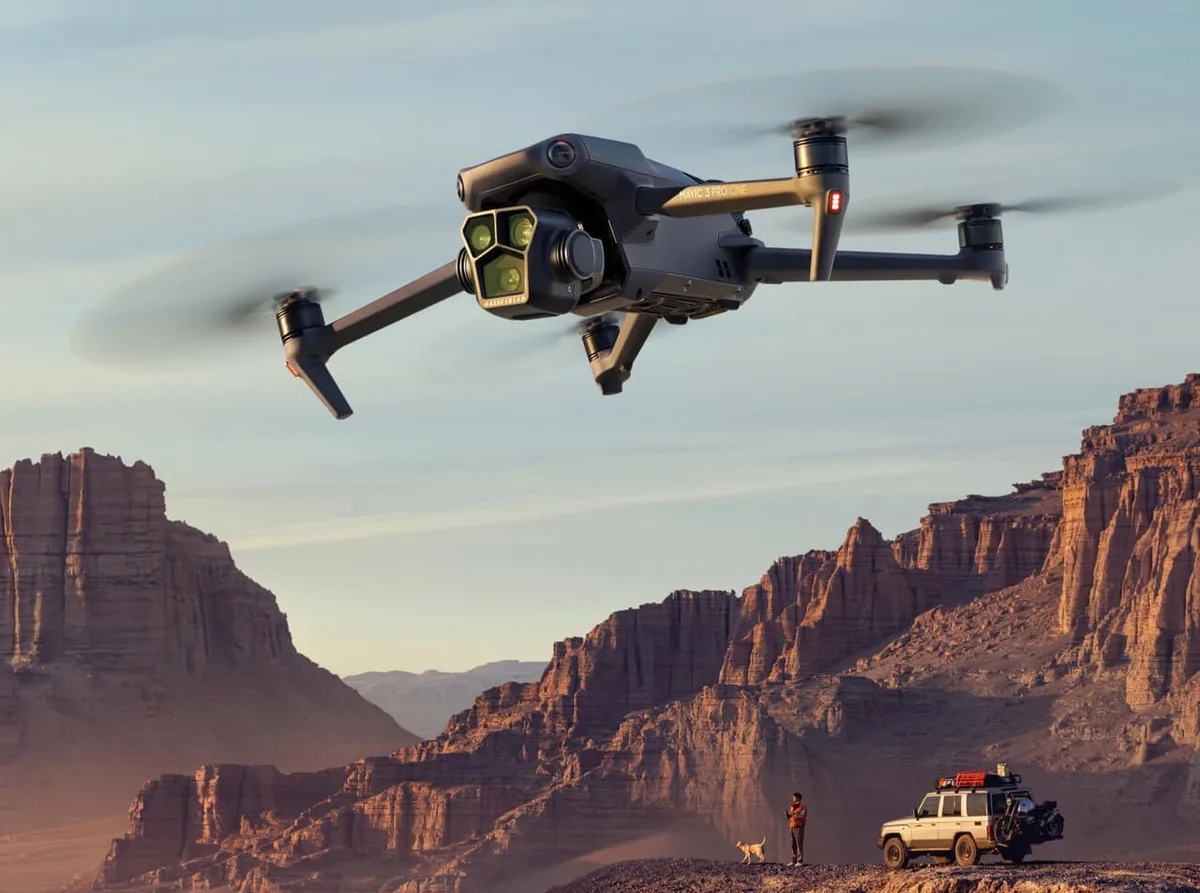
Image source: Bing (Web (fair-use with source credit))
Everyday & Online: Why 30 fps Works Best
For a vast majority of online content, social media videos, and broadcast television (especially in North America), 30 frames per second (fps) is the go-to standard. If you're simply looking to capture clear, smooth footage for general viewing without a specific cinematic aim, 30 fps is an excellent and reliable option.
This frame rate offers a bit more motion information than 24 fps, resulting in a slightly smoother appearance, particularly for action or panning shots. It’s also widely compatible with almost all playback devices and platforms. When you upload a video to platforms like YouTube or Facebook, they often re-encode content to around 30 fps anyway, so shooting at this rate can streamline your workflow.
It strikes a great balance between capturing fluid motion and managing file sizes efficiently for everyday use.
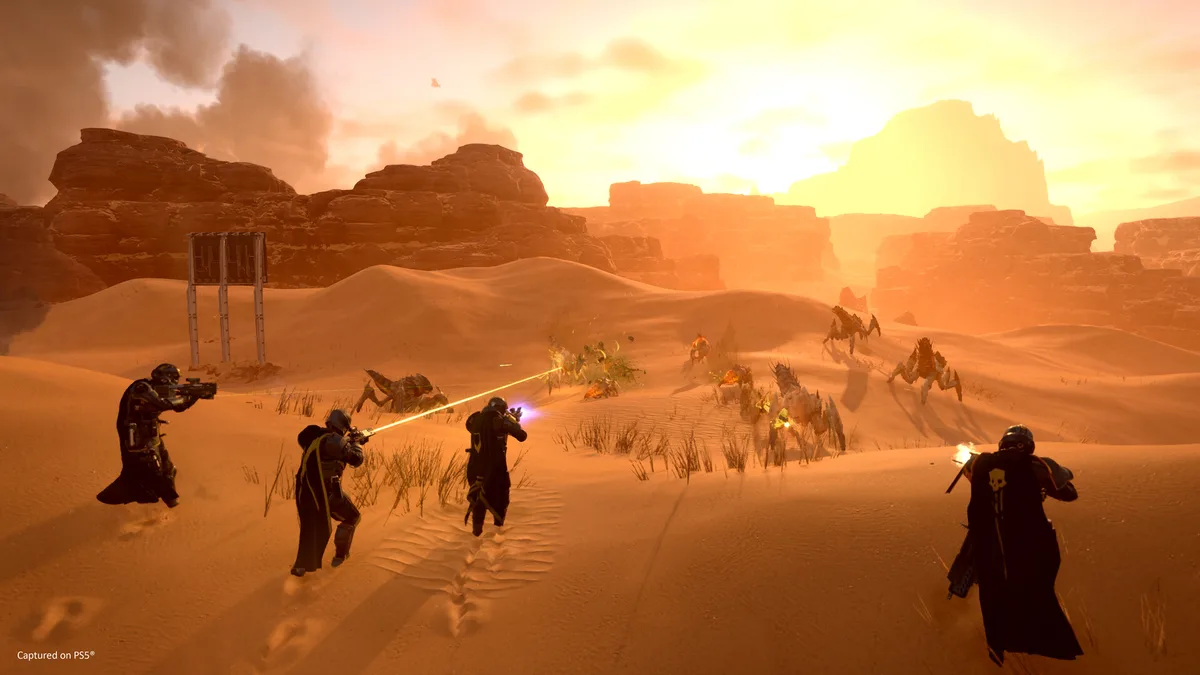
Image source: Web (Bing) / store.steampowered.com (Web image (fair-use with source credit))
Creative Control: Using 60 fps for Slow Motion
If you're planning to incorporate slow-motion effects into your drone videos, then 60 frames per second (fps) is where you want to be. Shooting at 60 fps captures twice the amount of visual information per second compared to 30 fps, which translates directly into smoother slow-motion playback.
The advantage of 60 fps is that you can take footage shot at this rate and slow it down to 30 fps or 24 fps during editing, and it will still look incredibly fluid and natural. This gives you significant creative flexibility, allowing you to emphasize specific moments, capture fast-moving subjects with dramatic effect, or add a polished, high-end feel to your sequences. For example, filming a bird in flight or a car navigating a scenic road at 60 fps allows you to dramatically slow down the action later for a much more impactful visual.
While 60 fps footage looks great at normal speed too, its real power lies in its post-production potential for slow-motion.
Extreme Slow-Mo: When to Go Higher (120 fps+)
For truly dramatic slow-motion, your drone might offer frame rates of 120 fps, 180 fps, or even 240 fps. These higher settings are designed for capturing very fast action and then slowing it down to an extreme degree. Think of professional sports replays or wildlife documentaries capturing the split-second movement of a predator.
When you shoot at these very high frame rates, the resulting footage looks almost hyper-real or even slightly choppy if played back at normal speed. This is because there are so many frames packed into each second. The magic happens in editing: you can then stretch these high-frame-rate clips to create incredibly smooth, drawn-out slow-motion sequences that would be impossible with standard frame rates.
However, keep in mind that higher frame rates often come with trade-offs, such as lower resolution or less ideal low-light performance, as indicated by manufacturer specifications. It’s a specialized tool for specific creative needs.
Common Frame Rate Mistakes to Sidestep
Making the wrong frame rate choice upfront can lead to noticeable issues in your final video. The most common mistake is shooting everything at 30 fps (or even 24 fps) when you intended to create slow-motion. When you try to slow down 30 fps footage too much, the video will appear jerky and unnatural because there aren't enough frames to create smooth motion over an extended period.
Another error is shooting in very high frame rates like 120 fps for regular, non-slow-motion footage. While it captures a lot of detail, the motion can look unnaturally smooth or even "video game-like" to some viewers if not intentionally styled that way. Additionally, remember that higher frame rates typically result in larger file sizes, which can impact storage needs and processing power during editing.
Always consider your editing workflow and final output requirements before you press record.
Choosing Your Frame Rate: A Quick Guide
Let's break down the best frame rate choices based on common scenarios. This guide helps you pick the right setting for your drone video needs.
| Scenario | Recommended Frame Rate (fps) | Why? |
|---|---|---|
| Cinematic Look (Films, Dramas) | 24 fps | Traditional movie standard, natural motion blur, familiar aesthetic. |
| General Online Content (YouTube) | 30 fps | Smooth, widely compatible, good balance of quality and file size, standard for web. |
| Social Media (Instagram, TikTok) | 30 fps or 60 fps | 30 fps for general use; 60 fps for slightly smoother motion or if slow-motion might be added. |
| Action & Fast Movement | 60 fps | Captures more motion detail, ideal for smooth playback or later slow-motion. |
| Dramatic Slow Motion (Sports, Wildlife) | 120 fps or higher | Provides the most frames to stretch for extreme slow-down effects without losing smoothness. |
| Broadcast Television (NTSC Regions) | 30 fps | Standard for regional television transmission. |
Frequently Asked Questions About Drone Frame Rates
What’s the difference between 24 fps and 30 fps?
24 fps offers a traditional cinematic look with a natural motion blur, commonly used in films. 30 fps provides a slightly smoother motion and is the standard for most online content and broadcast television, offering a cleaner, more contemporary feel.
Can I change the frame rate after I've shot the video?
No, you cannot change the frame rate of a video after it has been recorded. The frames are captured at a specific rate, and this is fixed. If you need a different frame rate, you must re-shoot the footage with the correct setting.
Will shooting at 60 fps make my video files much larger?
Yes, shooting at higher frame rates like 60 fps or 120 fps will generally result in larger file sizes compared to 24 fps or 30 fps, assuming resolution and bitrate are the same. This is because more data is being captured and stored every second.
Is it okay to shoot at 50 fps if my drone offers it?
50 fps is a standard in some regions (like Europe) for broadcast television, similar to how 30 fps is used in NTSC regions. If your primary audience or broadcast target uses PAL (50 Hz), then 50 fps is a good choice. Otherwise, 24, 30, or 60 fps are more common.
Should I always shoot at the highest frame rate my drone can do?
Not necessarily. Higher frame rates are great for slow motion, but for general use, they can create unnecessarily large files and may not offer a significant visual benefit over 30 fps. Choose the frame rate that best matches your intended use and editing capabilities.