Should I Shoot Drone Footage in Log?
So, you're wondering if you should shoot drone footage in Log. It's a common question for pilots looking to elevate their video quality. Logarithmic, or Log, shooting offers incredible flexibility in post-production, allowing you to craft stunning visual styles.
However, this power comes with a learning curve. Log footage typically looks flat and washed out straight out of the camera, requiring specific editing techniques. To get the best results, your drone's camera needs to support a Log profile, and you'll need the right editing software to bring your footage to life.
Quick Answer
Yes, you should shoot drone footage in Log if you're comfortable with color grading and want maximum flexibility. Log profiles capture more dynamic range, preserving detail in highlights and shadows. If you need footage fast or aren't editing, stick to standard profiles.
Log Footage: A Quick Look at What It Is
Logarithmic, or Log, footage is a recording method designed to capture the widest possible dynamic range from your drone's camera sensor. Think of it as an uncompressed raw ingredient for your video. Instead of applying contrast and color adjustments in the camera to make the footage look good immediately, Log shooting saves as much information as possible.
This means more detail is retained in the brightest parts of your image (highlights) and the darkest parts (shadows).
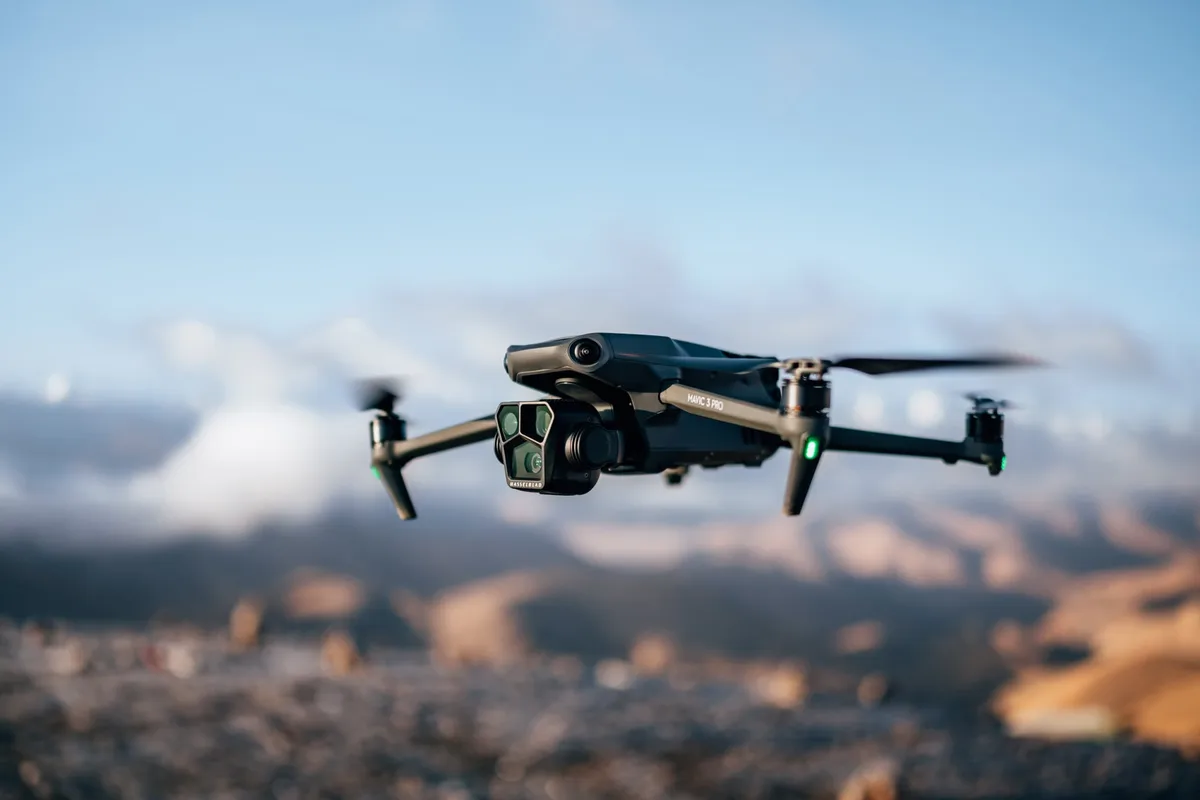
Image source: Bing (Web (fair-use with source credit))
This flat look is intentional. Log footage often appears desaturated and lacks punch, looking quite dull and washed out when viewed directly. It’s not meant to be a final product but rather a flexible base for extensive color grading and manipulation in post-production.
Manufacturer specifications often highlight the extended dynamic range available in Log profiles, sometimes stating up to 10 or 12 stops of dynamic range, compared to standard profiles which might offer around 7-8 stops.
Log Footage: Is It Right for Your Drone?
Deciding whether to shoot in Log format really boils down to your workflow and your creative goals. If you're just starting with drone videography and your main aim is to quickly grab some impressive aerial shots to share online, the standard, built-in color profiles are likely your best bet. These profiles have been optimized by the drone manufacturer to produce pleasing, ready-to-use footage with minimal effort in post-production.
On the other hand, if you're aiming for a more polished, cinematic look, or if you frequently encounter challenging lighting situations where you need to pull out every bit of detail, then exploring Log footage is definitely worthwhile. It’s a tool that unlocks greater creative control, but it demands a commitment to the editing process. We'll explore the specific scenarios where Log excels and where it might be more hassle than it's worth.
The Big Picture: Why Log Exists
The fundamental reason Log profiles were developed is to maximize the data captured by a camera's image sensor. Digital camera sensors have a finite capacity to record light levels before they become completely blown out (too bright to see detail) or crushed into pure black (too dark to see detail). Dynamic range is the term used to describe the ratio between the brightest and darkest tones a sensor can capture.
Standard camera profiles apply a "gamma curve" that maps the sensor's output to a displayable range, often resembling how our eyes perceive brightness. This process boosts contrast and saturation to make the image look immediately appealing. Logarithmic curves, however, map this data differently, compressing the wider range of light levels into the available digital data.
This preserves more subtle gradations of light and color, which are crucial for advanced color grading, as it means you're not starting with a "baked-in" look that can't be easily altered.
What Does Log Footage Actually Look Like?
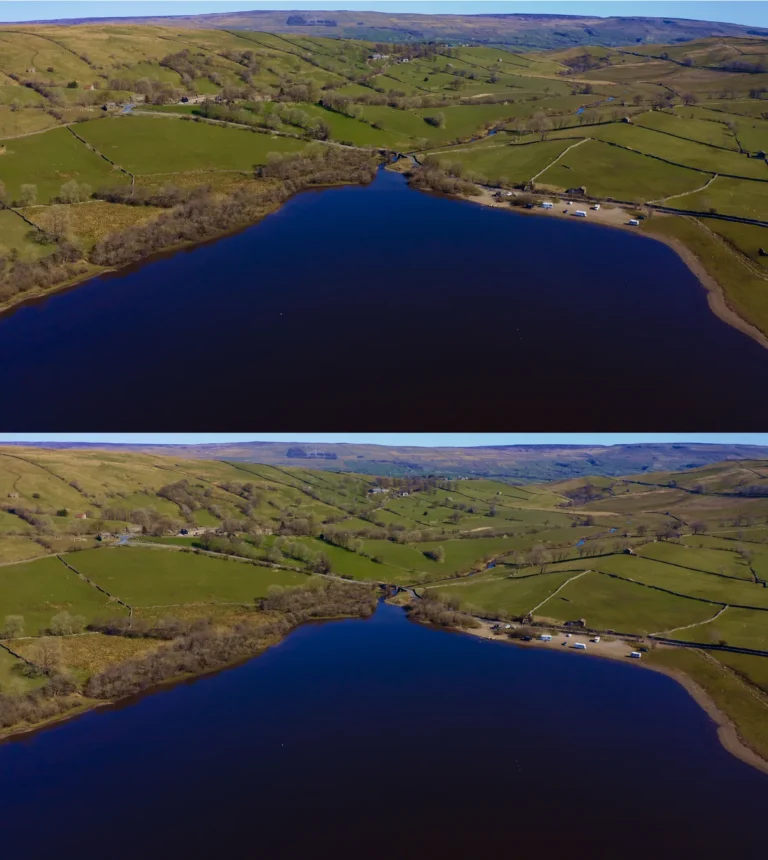
If you’ve never seen Log footage before, prepare yourself for something that looks quite different from typical video. Straight out of the camera, it's characterized by a very low-contrast appearance. The highlights are significantly less bright, and the shadows are much brighter than you'd expect, giving the image a muted, almost hazy quality.
Colors will appear desaturated and somewhat dull.
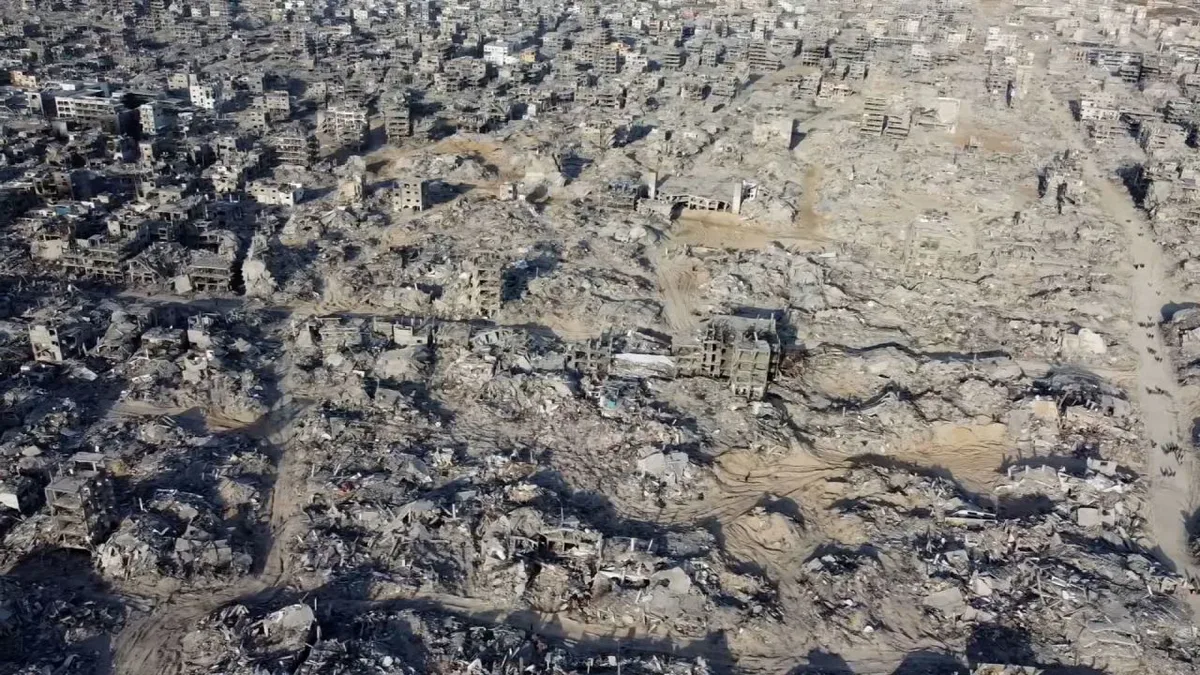
Image source: Bing (Web (fair-use with source credit))
This appearance is by design. The goal is to avoid clipping (losing detail in bright areas) and crushing (losing detail in dark areas) as much as possible. Think of it like a painter having a vast, neutral canvas to work on, rather than a canvas that already has a pre-drawn sketch and base colors.
The flat, desaturated look is the neutral canvas, ready for artistic interpretation during the color grading process. It’s essential to understand that Log footage is never intended to be viewed or shared in its raw state.
Log Footage: When Log Footage Shines Brightest
Log footage truly shines when you're aiming for professional-level control over your video's final look and are prepared to invest the time in post-production. It's particularly beneficial in situations with high contrast, such as shooting during golden hour (sunrise or sunset) or when filming landscapes with bright skies and deep shadows. In these scenarios, standard profiles might blow out the sky or lose detail in the ground, but Log can preserve that information, giving you the raw material to recover it later.
If you’re a filmmaker, a professional content creator, or someone who wants to achieve a specific cinematic aesthetic that goes beyond the out-of-the-box look, Log is your ally. It provides the flexibility needed to match footage from different cameras, create stylized color grades, or simply ensure a consistent look across varied shooting conditions. For example, if you’re shooting scenes that will later be composited or integrated with other footage, Log’s wider dynamic range and less processed look make it easier to blend everything seamlessly.
For the Dedicated Editor: Post-Production Power
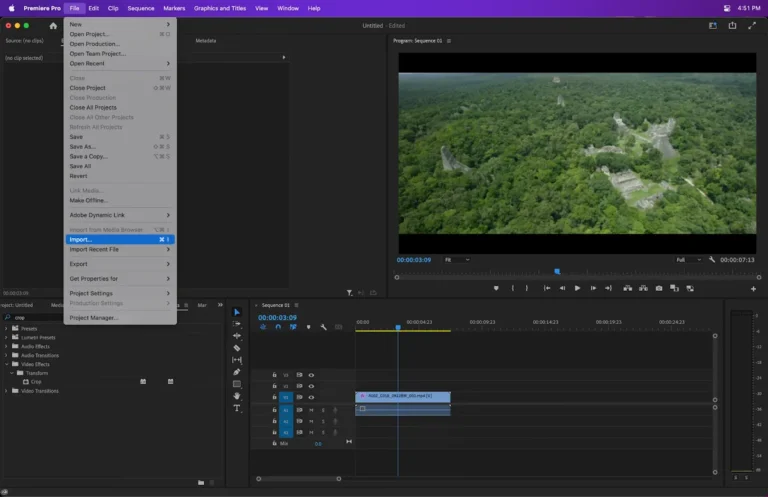
If your workflow involves significant time in editing software like DaVinci Resolve, Adobe Premiere Pro, or Final Cut Pro, then shooting drone footage in Log opens up a world of possibilities. The primary advantage is the vastly increased headroom for color correction and grading. When you have Log footage, you can push the sliders for exposure, contrast, and saturation much further without introducing harsh artifacts or breaking down the image quality.
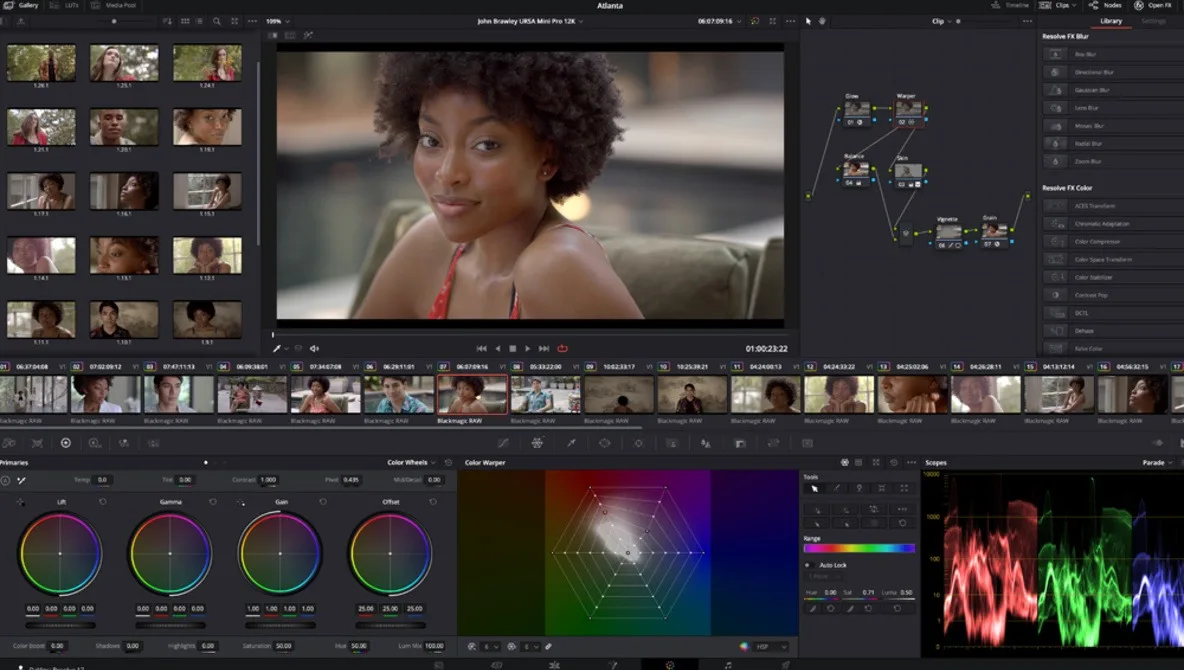
Image source: Bing (Web (fair-use with source credit))
This means you can realistically recover details from blown-out highlights or underexposed shadows that would be completely lost in standard footage. You can also more effectively implement advanced color grading techniques, from subtle adjustments to dramatic stylistic transformations. Many editing programs offer specific "LUTs" (Look-Up Tables) designed for various Log profiles, which act as a starting point to bring the flat image closer to a viewable Rec.709 standard, making the grading process more intuitive.
However, it's crucial to remember that applying a LUT is just the first step; significant manual grading is often still required to achieve a polished look.
When to Stick with Standard Profiles
For many drone pilots, especially those who are new to aerial videography or who prioritize speed and simplicity, sticking with the drone’s standard color profiles is the smarter choice. These profiles, often labeled as "Standard," "Normal," "Vivid," or "ProRes" depending on the manufacturer, have built-in processing that aims to deliver a pleasing image straight out of the camera. They offer good dynamic range for typical use cases and provide punchy colors and decent contrast that look great with minimal to no editing.
If your primary goal is to capture footage that's ready to share quickly on social media platforms like Instagram, YouTube, or TikTok, or if you’re creating content for news reporting or event coverage where speed is paramount, standard profiles are ideal. They save you considerable time and effort in post-production. Trying to force Log footage into a quick edit often results in a flat, uninspiring final product because the necessary grading steps are skipped.
This can lead to frustration and a less-than-ideal outcome compared to what a well-chosen standard profile can deliver with minimal effort.
Expert Insights for Drone Log Shooting
When you're shooting Log, don't forget about your camera's frame rate and resolution. While Log offers amazing flexibility, it often comes with trade-offs. Some drones might not be able to record Log at their highest frame rates (like 60fps or 120fps) or highest resolutions (like 4K or 5.7K).
Always check your drone's specifications from the manufacturer to see what's available in Log mode. For instance, some models might only offer Log at 30fps in 4K, while offering higher frame rates in standard profiles.
Another pro tip is to always shoot with plenty of light when using Log. While it preserves shadow detail well, Log footage can sometimes exhibit more noise in very dark areas if you try to aggressively lift them in post-production. Exposing correctly is still crucial; aim for a slightly overexposed image (but not clipped highlights) to maximize the detail captured by the sensor.
For many drone cameras, this means targeting around 0 to +1 EV exposure in Log mode. As of 2026, many newer drones offer improved Log capabilities, but the fundamental principles of exposure and post-production remain the same.
Log Footage: Your Decision Guide
So, should you shoot drone footage in Log? It really comes down to a few key questions about your skills and needs. If you're an absolute beginner to video editing, or if your primary goal is to get footage out quickly without much fuss, then Log is likely not for you.
The standard color profiles offer a much simpler path to good-looking results.
However, if you’re serious about achieving a professional, cinematic look, enjoy the process of color grading, and frequently shoot in challenging lighting conditions, then Log is an essential tool to consider. It requires more work in post-production, but the payoff in terms of creative control and image quality can be immense. Weigh your editing capabilities and your desire for stylistic flexibility against the extra steps involved, and you’ll find your answer.