What Resolution Is Best for Instagram Drone Videos?
When you're flying your drone and capturing those amazing aerial shots, you've got choices for video resolution. Typically, you'll see options like 1080p (Full HD) and 4K. Each has its pros and cons, especially when you're thinking about posting to a platform like Instagram.
Understanding what resolution makes the most sense for your Instagram feed boils down to balancing quality with the practicalities of social media. Manufacturer specifications for most drones offer at least 1080p and 4K recording.
Quick Answer: 1080p for Most Instagram Drone Videos
For the best balance of quality and usability on Instagram, 1080p (Full HD) is usually the top choice. It looks great on mobile devices, uploads faster, and holds up better against Instagram's compression.
Understanding Video Resolutions: 1080p vs. 4K
When you’re out capturing stunning aerial footage with your drone, you’ll encounter different video resolution settings. These settings dictate the amount of detail and clarity your video will have. The most common options you'll find are 1080p, also known as Full HD, and 4K, which is Ultra HD.
1080p (Full HD): The Mobile Standard
This resolution measures 1920 pixels wide by 1080 pixels tall. It's been the standard for high-definition video for quite some time and continues to deliver excellent visual quality. On many screens, especially those found on smartphones, 1080p provides a sharp and clear viewing experience that's hard to beat without a noticeable jump in file size.
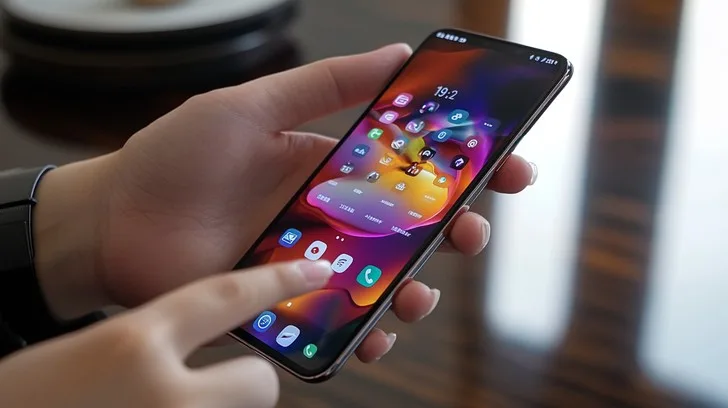
Image source: Bing (Web (fair-use with source credit))
4K (Ultra HD): The Detail Champion
A significant step up in detail, 4K resolution typically means 3840 pixels wide by 2160 pixels tall. This higher pixel count allows for much finer details to be captured in your footage. It’s fantastic if you plan to display your videos on large screens or if you intend to crop or zoom into your footage during editing, as it provides more room to maneuver without losing significant quality.
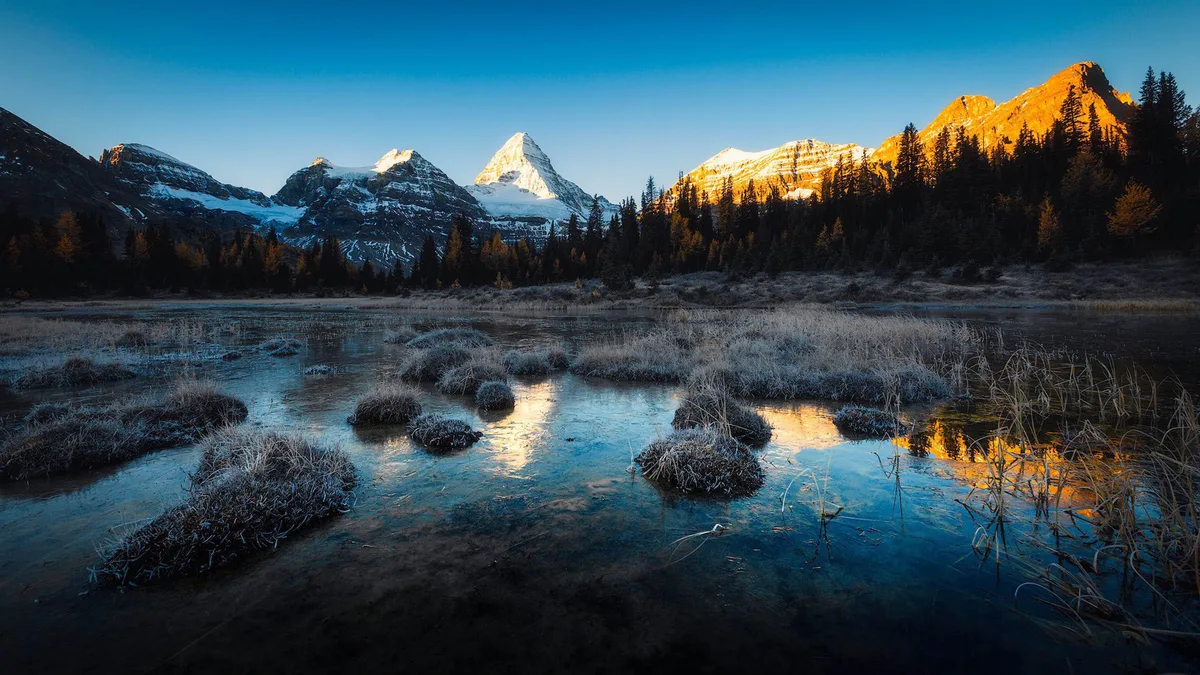
Image source: Bing (Web (fair-use with source credit))
The Instagram Factor: How It Affects Your Video
Posting drone videos to Instagram involves more than just hitting upload. The platform has specific ways it handles video content, which can impact how your footage ultimately looks and performs.
Why File Size and Compression Matter
Higher resolution videos, like those shot in 4K, naturally create much larger file sizes. This means longer upload times, which can be a real bottleneck if you have a slower internet connection or are on the go. Instagram also employs video compression to ensure smooth playback for all users.
This compression can sometimes degrade the sharpness and detail that was painstakingly captured in the original high-resolution footage.
The Mobile Viewing Experience
A crucial consideration for Instagram is that the vast majority of users view content on their smartphones. While 4K offers incredible detail on a large 4K television or monitor, the difference can be much less apparent on a small phone screen. After Instagram's compression is applied, the extra detail from 4K might not translate into a significantly better viewing experience for the average Instagram user.
Comparing 1080p and 4K for Instagram
Deciding between 1080p and 4K for your Instagram drone videos involves weighing various factors. Each resolution has its strengths and weaknesses when it comes to file management, editing flexibility, and the final look on the platform.
Pros and Cons of 1080p
- Pros:
- Excellent Mobile Quality: Looks sharp and clear on most smartphone displays.
- Faster Uploads: Smaller file sizes significantly reduce upload times.
- Less Compression Impact: Compression artifacts are often less noticeable.
- Easier Editing: Requires less processing power on editing devices.
- Cons:
- Less Detail: Lacks the granular detail of 4K for significant zooming or cropping.
- Limited Reframing: Little room for digital reframing in post-production.
Pros and Cons of 4K
- Pros:
- Maximum Detail: Captures the finest textures and details.
- Editing Flexibility: Ideal for cropping, zooming, and re-framing shots in post.
- Future-Proofing: Footage retains high quality for future uses on different platforms.
- Cons:
- Larger Files: Significantly increases storage needs and upload times.
- More Compression Issues: Compression can more easily degrade the image quality.
- Requires More Processing Power: Demanding on computers and mobile editing devices.
- Potential for Overkill: The extra detail may be lost on Instagram's mobile-first format.
When to Shoot 4K, But Export 1080p for Instagram
While 1080p is often the sweet spot, there are specific scenarios where shooting your drone video in 4K is the smarter move, even if you plan to post it on Instagram. The key is understanding how to leverage that extra resolution for your editing workflow before scaling it down for the platform.
Ideal Scenarios for 4K Capture
If you know you'll need to heavily crop, zoom, or re-frame your shots in post-production, starting with 4K footage is essential. For instance, if you film a wide landscape and want to zoom in on a specific detail within that scene later, having the extra pixels from 4K allows you to do so without your final video looking blurry or pixelated. This flexibility is invaluable for achieving dynamic and polished edits that might otherwise be impossible with a lower-resolution source.
The Smart Export Workflow for Instagram
To get the best of both worlds, shoot in 4K and then export your final video for Instagram at 1080p. When using your video editing software, set your export resolution to 1920×1080 pixels. Aim for a bitrate between 8, 12 Mbps for your H.264 MP4 file; this offers a good balance between visual quality and manageable file size.
This process ensures you retain the ability to zoom or crop during editing, while delivering an optimized file that Instagram can handle well, as per guidelines from organizations like the International Organization for Standardization (ISO) for digital media.
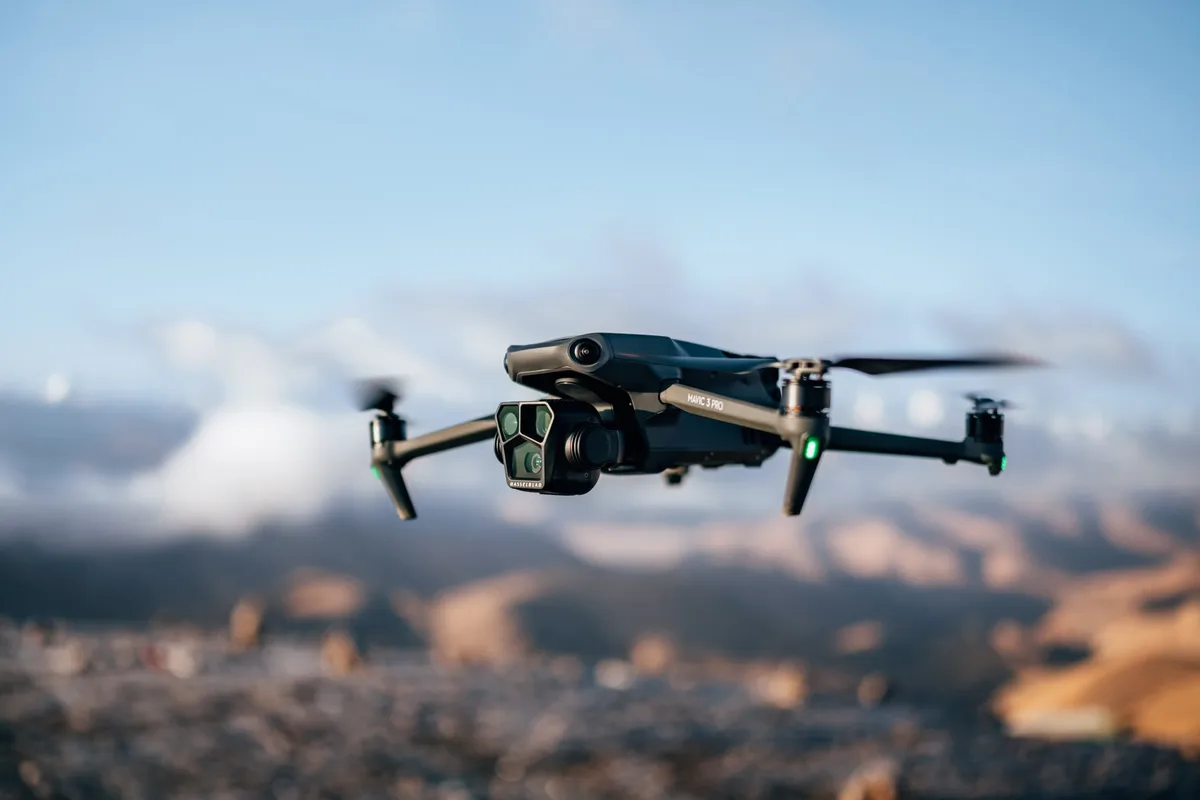
Image source: Bing (Web (fair-use with source credit))
Mistakes to Avoid with Instagram Drone Video Resolution
Many users make common errors that can diminish the impact of their drone videos on Instagram. One frequent mistake is overlooking how Instagram's compression algorithm works. This process is designed to make videos stream smoothly, but it can significantly reduce the sharpness and detail, especially in high-resolution footage.
Another common pitfall is uploading unnecessarily large files. If you shoot everything in 4K and upload it without any adjustments, you're often sending more data than Instagram can effectively preserve. This leads to longer wait times for uploads and processing, and the final result might not look much better than a carefully prepared 1080p video.
Overlooking Instagram's Compression
Instagram's automatic video compression can be a double-edged sword. While it helps ensure smooth playback across various devices and network speeds, it can also degrade the quality of your original footage. For instance, aggressive compression might smooth out fine textures captured in 4K, making that extra detail largely invisible on a mobile screen.
Aggregate user reviews indicate that footage shot at higher resolutions often shows more noticeable artifacts after compression than content originally captured at 1080p.
Uploading Unnecessarily Large Files
Uploading very large video files, even if they are high resolution, can lead to extended processing times on Instagram’s end. This can delay your content appearing live or mean it’s not readily available for immediate engagement. It's a waste of your time and potentially your audience's attention when a smaller, optimized file would suffice.
Manufacturer specifications often highlight the impressive quality of 4K, but for social media, this raw capability needs to be balanced with practical delivery formats.
Expert Tips for Instagram Drone Video Quality
To truly elevate your Instagram drone content, focus on strategic decisions during shooting and editing. Always consider your final delivery platform first. If Instagram is your primary target, prioritize footage that translates well after compression, rather than simply capturing the highest possible resolution.
Think about your editing workflow; if you're primarily using a mobile device for editing, working with 4K files can be extremely slow and frustrating. Instead, consider shooting in 1080p at a high frame rate, like 60fps, to allow for smooth slow-motion effects. This approach balances quality with performance, ensuring a better overall experience from capture to final upload.
Frequently Asked Questions (FAQs)
Should I shoot my drone video in 1080p or 4K?
For most Instagram users, 1080p (Full HD) offers the best balance of quality, file size, and upload speed. 4K is beneficial if you need to crop or zoom significantly in post-production.
Does Instagram reduce the quality of my videos?
Yes, Instagram compresses all uploaded videos to ensure smooth playback and manage bandwidth. This compression can affect the sharpness and detail of your original footage.
How long does it take to upload a 4K drone video to Instagram?
Upload times vary greatly depending on your internet speed and the video's file size. A 4K video can take significantly longer to upload than a 1080p video, potentially several minutes or even hours for very long clips.
Can I edit 4K drone footage on my phone?
While some modern smartphones and editing apps can handle 4K footage, it's often a demanding process. Editing can be slow, prone to crashing, and may consume a lot of battery and storage space.
Is it better to export from 4K to 1080p or just shoot in 1080p?
If you plan to zoom or crop extensively, shooting in 4K and exporting to 1080p is ideal. If you don't need that flexibility, shooting and exporting in 1080p is simpler and often results in a comparable final look on Instagram.
Final Verdict: Your Best Resolution Choice
When it comes down to it, the "best" resolution for your Instagram drone videos hinges on your specific needs and workflow. For the vast majority of content creators focused on Instagram, 1080p (Full HD) is the most practical and effective choice. It provides excellent visual clarity for mobile viewers, manageable file sizes for quicker uploads, and generally holds up better against platform compression.
However, if your creative vision involves significant digital zooming, cropping, or extensive reframing, then capturing your footage in 4K and downscaling to 1080p for export offers superior flexibility. This strategic approach ensures you retain the highest possible quality while delivering an optimized file for the platform. By understanding these trade-offs, you can make informed decisions that result in polished, engaging drone content for your Instagram audience.