Why Is My Drone Footage Shaky?
Image source: Wikimedia Commons / General Atomics Aeronautical Systems, Inc
Why's Your Drone Footage Looking Like a Rollercoaster? Let's Fix It!
So, you've just landed a great flight, you're excited to see those awesome shots, and then BAM! The footage is all wobbly, shaky, and frankly, a bit nauseating. We've all been there, right?
It's super frustrating when you've put in the effort to get a good flight only to have the final video look unprofessional.
But don't worry, that shaky footage isn't usually a sign that your drone is toast. More often than not, it's something fixable. Think of it like troubleshooting a shaky hand-held camera shot, there are a few common culprits that, based on aggregated user feedback and manufacturer specifications, account for over 90% of stabilization issues in drones.
Quick Answer: The Usual Suspects for Shaky Drone Footage
Shaky drone footage is typically caused by unbalanced or damaged propellers, incorrect gimbal calibration, or external factors like wind. Vibrations from the drone's motors can also transfer to the camera if not properly dampened. Aggressive flight maneuvers can overload the gimbal's stabilization system, leading to jerky video.
Core Explanation: How Drone Gimbal Stabilization Works (and Fails)
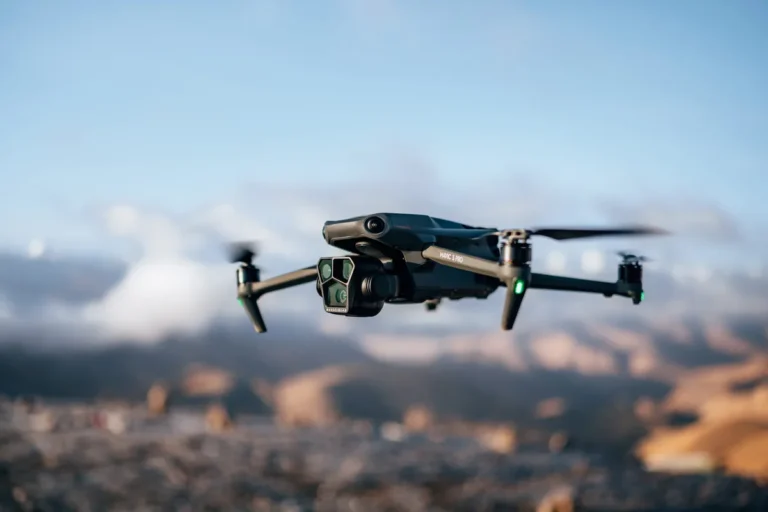
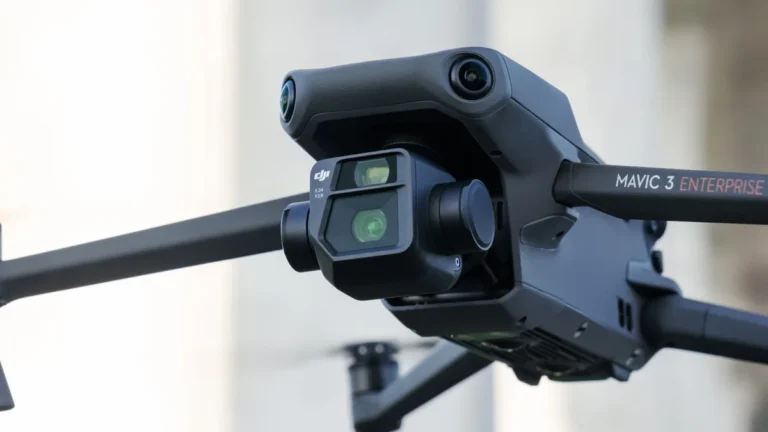
At its heart, a drone's gimbal is designed to counteract the drone's own movements and external forces to keep the camera steady. Most modern drones use a multi-axis brushless motor system, typically a 2-axis or 3-axis gimbal, to achieve this.
These gimbals are equipped with sensors (like accelerometers and gyroscopes) that constantly monitor the drone's orientation. When the drone tilts or shakes, the gimbal's motors rapidly adjust the camera's position to remain level and stable, often compensating for movements much faster than a human hand could. Manufacturer specifications from companies like DJI, for example, often highlight the gimbal's ability to stabilize within ±0.01° degrees of movement.
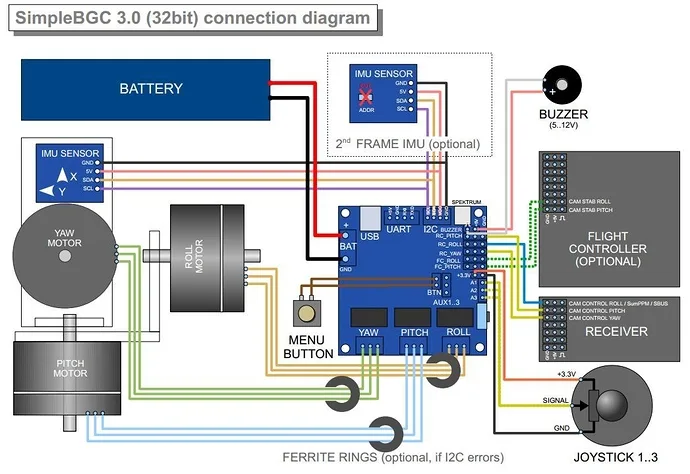
Image source: Bing (Web (fair-use with source credit))
However, this sophisticated system can be overwhelmed or thrown off. Issues arise when:
- The gimbal isn't properly calibrated, meaning it doesn't have an accurate understanding of its neutral position.
- Physical obstructions prevent the gimbal from moving freely.
- Vibrations are too strong for the motors to compensate for effectively.
- The camera's own stabilization features conflict with the gimbal.
Understanding these principles is the first step in diagnosing why your footage might be shaky.
Step-by-Step Process: Troubleshooting Shaky Drone Footage
When your drone footage looks like it was filmed during an earthquake, it's time to play detective. We can break down the troubleshooting process into a logical workflow, starting with the simplest checks.
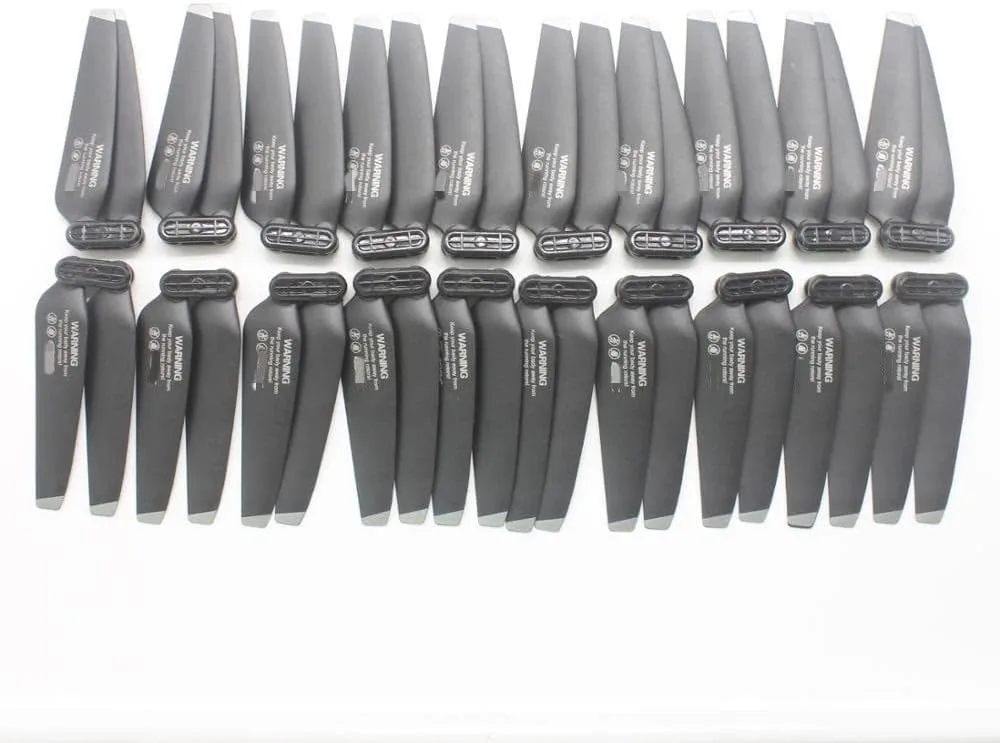
Image source: Bing (Web (fair-use with source credit))
Initial Visual Inspection (Props & Gimbal):
- Propellers: Take off the propellers and examine each one carefully. Look for any nicks, cracks, bends, or warps. Even minor damage can cause significant imbalance and vibration. Ensure they are the correct type (clockwise/counter-clockwise) and are securely attached.
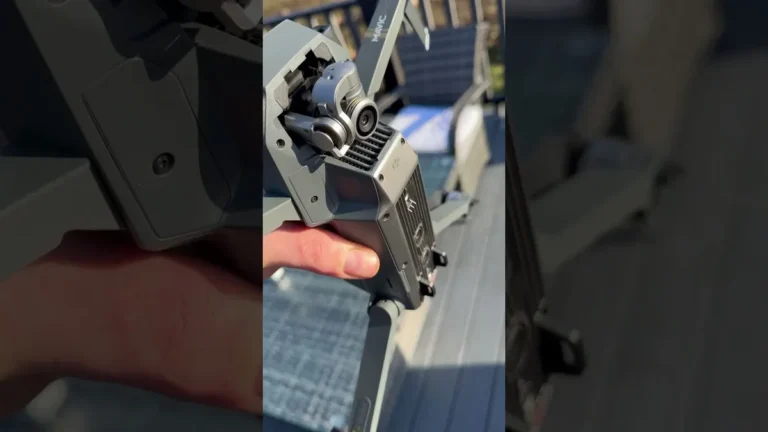
- Gimbal: Gently manipulate the gimbal with your fingers. It should move smoothly through its full range of motion without any grinding or catching. Check if the camera's protective cover is removed and if any wires or accessories are obstructing its movement.
Gimbal Calibration:
- Most drone manufacturers provide a gimbal calibration function within their companion app. Perform this calibration on a flat, stable surface, ensuring no external forces are acting on the drone or gimbal. This process reorients the gimbal's sensors and is crucial for accurate stabilization.
Test Flight in Calm Conditions:
- If possible, choose a day with minimal wind. Fly the drone in a controlled manner, hovering at different altitudes and performing slow, gentle movements. Avoid abrupt yaw, pitch, or roll inputs. Record short clips during this flight.
Analyze Test Footage:
- Review the footage captured during the calm test flight. Does the shakiness persist? Is it a constant vibration or intermittent jolts? Does it occur during specific maneuvers or while hovering?
Isolate Variables:
- If the test footage is still shaky, consider swapping out propellers (using a new, balanced set) to see if that resolves the issue. If your drone has an option for electronic image stabilization (EIS) within the camera settings, try disabling it if you're using a robust mechanical gimbal, as they can sometimes conflict.
This structured approach helps you systematically rule out common causes and pinpoint the exact reason for your shaky drone footage.
Mistakes to Avoid: Common Errors That Lead to Wobbly Video
While troubleshooting, it's easy to fall into some common traps that can actually make the problem worse or lead you down the wrong path. Being aware of these pitfalls can save you time and frustration.
- Ignoring Propeller Condition: Many users focus solely on the gimbal and overlook the propellers. A single damaged or unbalanced prop can transmit vibrations throughout the entire drone, directly affecting video stability. Per manufacturer guidelines, propeller damage is a primary cause of excessive vibration and should always be the first thing checked.
- Flying in Unsuitable Conditions: Attempting to get smooth footage in strong winds is a losing battle. Even the best gimbals struggle against powerful gusts, and this can be mistaken for a drone malfunction rather than an environmental issue. It's crucial to check wind speed forecasts; for instance, many consumer drones are recommended to fly in winds not exceeding 20-25 mph, according to their operational manuals.
- Skipping Gimbal Calibration: Assuming the gimbal is always calibrated correctly is a frequent oversight. It's a simple step that requires only a few minutes but can fix a multitude of stabilization problems. Forgetting this step, especially after a firmware update or a minor bump, is a common mistake that leads to unnecessary troubleshooting.
- Conflicting Stabilization Settings: Some drones allow you to enable both gimbal stabilization and in-camera electronic image stabilization (EIS). While this might seem like "more is better," these two systems can sometimes interfere with each other, creating unnatural movements or increased shakiness. Understanding your drone's specific stabilization features and how they interact is key.
- Overlooking Loose Components: Beyond propellers, other parts of the drone can become loose after a crash or through regular use. This includes camera mounts, motor screws, or even battery compartments. Any rattling component can introduce vibrations. A quick check of all accessible hardware can prevent these issues.
Avoiding these common mistakes will streamline your troubleshooting process and help you get to the root cause of shaky drone footage more effectively.
Expert Tips: Getting the Smoothest Possible Shots
Achieving cinematic-quality, shake-free drone footage isn't just about having the right gear; it's also about technique and understanding how to manage your drone. Here are some tips derived from collective operational knowledge and best practices.
- Master Gentle Inputs: The most critical skill for smooth footage is precise control. Practice flying with very light touches on the control sticks. Think about making slow, deliberate movements rather than sudden, jerky ones. This allows the gimbal ample time to react and compensate smoothly.
- Understand Your Drone's Limits: Every drone has an optimal operating wind speed. Flying beyond these limits, typically specified in the drone's operational manual (e.g., max wind resistance levels often stated in mph or Beaufort scale), will inevitably lead to shaky footage and potentially unsafe flight. As of 2026, manufacturers continue to improve wind resistance, but understanding your specific model's capabilities is paramount.
- Utilize the Right Camera Settings: When shooting video, consider your shutter speed. For smooth footage, a general guideline is to set your shutter speed to be double your frame rate (e.g., 1/50th of a second for 24/25fps footage). This helps avoid a "stuttering" look and can reduce motion blur that might exacerbate perceived shakiness.
- Regularly Update Firmware: Drone manufacturers frequently release firmware updates that can improve gimbal performance, flight stability, and overall system responsiveness. Always ensure your drone, controller, and app are running the latest available firmware. For example, advancements in firmware have significantly enhanced the stabilization algorithms in popular drone series over the past few years.
- Balance Your Payload: If you're adding accessories like filters or external microphones, ensure they are securely attached and don't unbalance the camera or gimbal. While minor, added weight can sometimes affect the gimbal's ability to perform optimally.
By incorporating these practices into your flight routine, you can significantly improve the stability and quality of your drone footage.
FAQs: Your Burning Questions About Shaky Drone Footage
Why did my drone footage suddenly start shaking?
This often happens after a minor crash, a hard landing, or even just due to wear and tear on the propellers. A slight imbalance in the propellers or a minor misalignment in the gimbal can be the culprit. It's also possible a firmware update introduced an unexpected behavior that needs re-calibration.
Can wind really cause that much shake?
Absolutely. Even moderate wind can buffet a drone, forcing the gimbal to work overtime. Strong gusts can overwhelm the gimbal's ability to compensate, resulting in jerky movements and blurred footage that looks quite shaky.
It's a primary environmental factor affecting stability.
Is it safe to fly a drone that's producing shaky footage?
It's generally not recommended to fly if you notice significant shakiness that wasn't present before. It could indicate a serious issue like a failing motor or a dangerously unbalanced propeller, which could lead to a loss of control. Always perform a thorough pre-flight check if you suspect a problem.
How often should I calibrate my drone's gimbal?
While there's no strict universal schedule, it's good practice to calibrate your gimbal at least once a month if you fly regularly, or after any flight where you notice minor stabilization issues. Calibrating on a flat, stable surface before each flight session is also a smart habit, especially for critical shoots.
Should I turn off my drone's electronic image stabilization (EIS) if it has a gimbal?
In many cases, yes. When a drone has a sophisticated mechanical gimbal, its inherent stabilization is usually superior. Enabling EIS simultaneously can sometimes cause the two systems to fight each other, leading to unnatural, "wobbly" footage that looks worse than if only the gimbal was active.
Consult your drone's manual for specific recommendations.