Why Is My Drone Gimbal Shaking?
Experiencing a shaky gimbal on your drone can be incredibly frustrating, turning potentially stunning aerial footage into a jarring mess. This instability means your drone's camera isn't properly stabilized, ruining the smooth, cinematic shots you were aiming for. Understanding why this happens is the first step to getting your drone back in flying condition.
The core of the issue usually lies in the delicate balance and calibration of the gimbal system. Manufacturer specifications for advanced camera gimbals, often found in professional drone models, frequently cite vibration tolerances below 0.005 degrees per second to achieve broadcast-quality footage. If yours is shaking, it's deviating significantly from this optimal performance.
Quick Answer
Your drone gimbal is likely shaking due to issues with its balance, loose connections, software glitches, or physical obstructions. Improper camera balance is a primary cause, disrupting the gimbal's stabilization motors. Firmware bugs or failed calibration can also lead to erratic movements.
In rarer cases, damaged motors or sensors are the culprit.
The Shaky Gimbal: What's Really Going On?
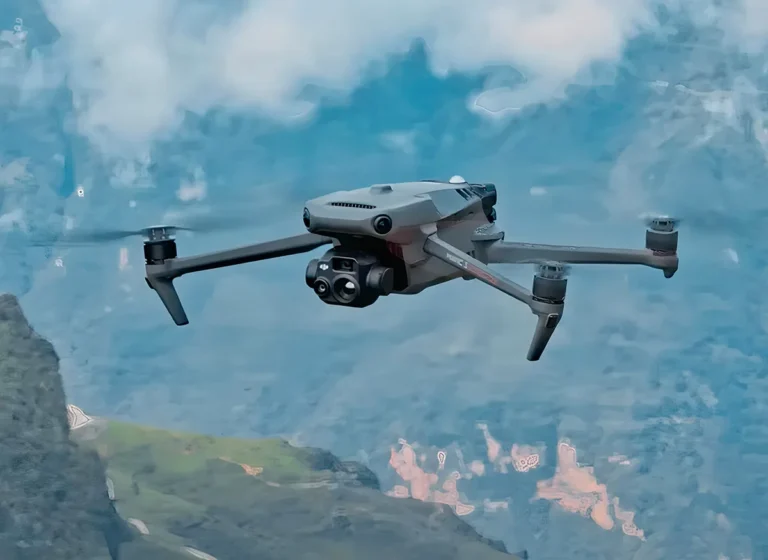
At its heart, a drone gimbal is a sophisticated stabilization system designed to keep your camera perfectly steady, no matter how much the drone itself tilts, rolls, or pitches. Think of it as an independent mount that actively counteracts the drone's movements. It typically uses brushless motors and sensors to detect any unwanted motion and instantly correct for it, aiming for a perfectly level and vibration-free image.
When you see that shaking, it means this intricate system isn't performing as it should, and one or more of its components are failing to do their job effectively.
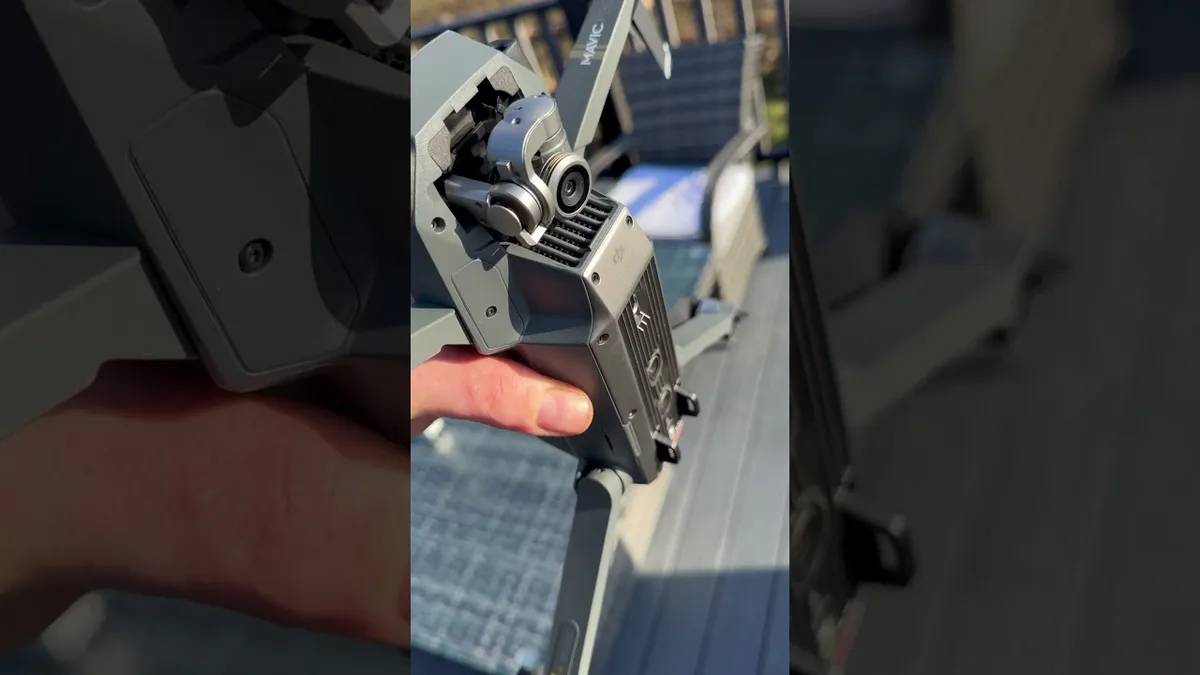
Image source: Bing (Web (fair-use with source credit))
The primary goal of any gimbal is to isolate the camera from the drone's vibrations and movements, allowing for smooth, professional-grade footage. This is achieved through a feedback loop: sensors detect motion, and motors rapidly adjust the gimbal's orientation to cancel out that motion. When this loop is broken, you get shakes, jitters, or a generally unstable image.
Quick Checks for Immediate Gimbal Stabilization Issues
Before diving into more complex fixes, let's run through some rapid checks that often resolve gimbal shaking. These are the easiest things to address and can save you a lot of time.
- Power Cycle Everything: The simplest solution is often the most effective. Turn your drone completely off, wait about 30 seconds, and then power it back on. Do the same for your remote controller if it has a separate power cycle.
- Visual Inspection: Take a close, critical look at the gimbal and camera assembly. Is there any visible debris, like dust, hair, or a small twig, caught in the gimbal arms or near the motors? Gently check if the camera is firmly seated in its mount.
- Obstruction Sweep: With the drone powered off, gently try to move each gimbal axis (tilt, roll, pan) by hand. Do they move freely through their intended range of motion? You should feel some resistance from the motors, but no grinding, catching, or hitting a hard stop unexpectedly.
If these initial checks reveal an obvious obstruction, carefully remove it. If not, these simple steps might have reset a minor glitch, so test fly briefly to see if the issue persists.
Gimbal Balance: The Key to Smooth Shots
A perfectly balanced camera on the gimbal is absolutely crucial for its proper function. The gimbal's motors are designed to counteract external forces, not to fight against a camera that's significantly off-center. When the weight isn't distributed evenly, the motors have to work much harder, leading to instability and the dreaded shaking.
This is especially true as of 2026, with higher-resolution cameras and more sophisticated stabilization algorithms demanding precise balance.
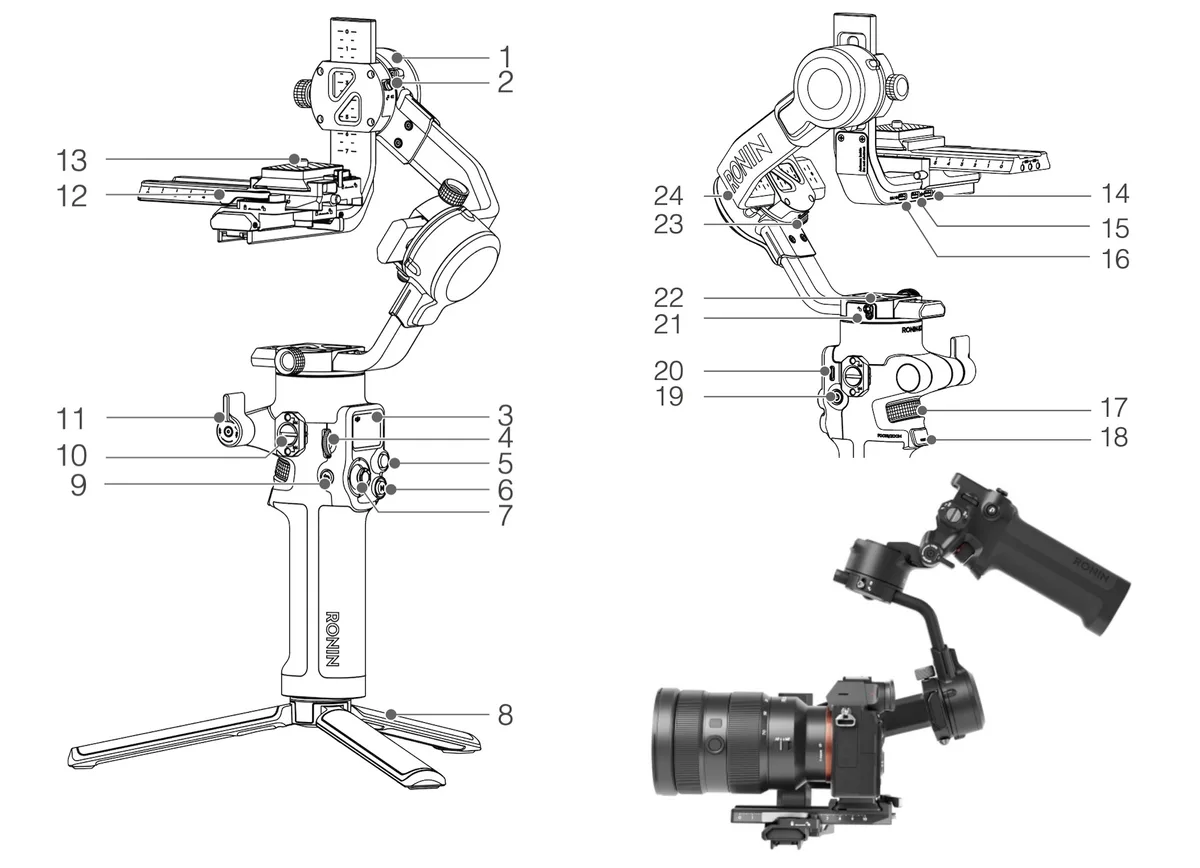
Image source: Bing (Web (fair-use with source credit))
Why Balance Matters
- Motor Strain: An unbalanced camera forces the motors to constantly fight against gravity and inertia, leading to overheating, reduced performance, and eventual shaking.
- Sensor Overload: The gimbal's sensors try to detect and correct for movement. If the imbalance is severe, the sensors might send erratic signals, confusing the control system.
- Reduced Stabilization Range: The gimbal has a specific range of motion it can effectively control. If a camera is severely unbalanced, it might push the gimbal outside its optimal operating range.
How to Check and Adjust Balance
- Camera Mount: Ensure your camera is securely locked into the gimbal's mounting bracket. If you've recently changed lenses, added filters, or attached accessories, re-check that they are tight and properly seated.
- Pitch Axis Balance: With the drone powered off, hold the drone firmly and gently try to tilt the camera up and down. Ideally, the camera should stay wherever you leave it, or drift very slowly. If it drops quickly in one direction, it's unbalanced. You'll typically adjust this by sliding the camera slightly forward or backward on its mount. Consult your drone's manual for the specific adjustment mechanism.
- Roll Axis Balance (if applicable): Some gimbals also allow for roll axis adjustment. This is often done by moving the camera left or right on its mounting plate. The goal is for the camera to remain level when you tilt the drone's body.
Achieving proper balance is a fundamental step before any calibration or firmware updates.
Software Solutions: Firmware and Calibration for Your Gimbal
Even with a perfectly balanced camera and no visible obstructions, software-related issues can cause your drone gimbal to shake. Modern drones rely heavily on complex algorithms and firmware to manage their functions, including the delicate dance of gimbal stabilization. Think of it as the brain of your drone; if the brain gets a bit fuzzy, its movements can become erratic.
Firmware Updates: Keeping Your Drone's Brain Sharp
Manufacturers regularly release firmware updates that can address bugs, improve performance, and enhance stability. These updates often contain patches specifically designed to fix known gimbal issues.
- Check for Updates: Regularly visit your drone manufacturer's official website or use their dedicated mobile app to check for the latest firmware.
- Follow Instructions Carefully: Always follow the manufacturer's provided instructions for updating firmware. This typically involves downloading the update to a memory card or directly to the drone via the app and ensuring the drone and controller have sufficient battery power.
Gimbal Calibration: Teaching the Gimbal Its Limits
Gimbal calibration is a process where you essentially tell the gimbal system its neutral position and its full range of motion. This recalibrates the sensors and motors, helping them work together accurately.
- When to Calibrate: You should calibrate your gimbal if you've recently experienced a crash, if you've noticed persistent shaking, or after any firmware updates.
- Calibration Environment: Perform calibration on a flat, stable surface in an area free from strong magnetic interference or vibrations.
- Follow the App: Most drone companion apps provide a clear, step-by-step process for gimbal calibration. This usually involves leaving the drone stationary for a few minutes while the system recalibrates.
Performing these software steps is vital because even minor discrepancies in sensor readings or control signals can translate into noticeable shakes in your footage.
When Physical Issues Are the Cause: Motors, Connections, and Obstructions
If you've meticulously checked the balance, updated the firmware, and calibrated the gimbal, but the shaking persists, it's time to look at more involved physical problems. These can range from simple loose wires to more serious component damage.
Image source: Bing (Web (fair-use with source credit))
Loose Connections: The Invisible Culprit
Vibrations from flight can, over time, loosen the small connectors that link the gimbal's motors, sensors, and the main drone control board.
- Where to Look: Carefully inspect the wiring harnesses connecting the gimbal assembly to the drone's body. Manufacturers often use small plugs that can become dislodged.
- Action: If you find a loose connection, gently re-seat it firmly. Be extremely careful not to force anything, as these are delicate components.
Obstructions: More Than Meets the Eye
Sometimes, an obstruction isn't immediately obvious. It could be a wire rubbing against a gimbal arm during movement, or a piece of internal foam padding that's shifted.
- Thorough Inspection: Systematically check the entire path of the gimbal's movement. Look for anything that might snag or impede its motion during flight.
Damaged Gimbal Motors or Sensors: The More Serious Scenarios
In more severe cases, the shaking could be a sign of internal component failure. The tiny brushless motors that drive the gimbal's axes or the sensitive gyroscopic sensors that detect motion might be damaged.
- Symptoms: This often manifests as a consistent, rhythmic shaking, or perhaps one axis of the gimbal not moving correctly at all. A grinding noise from the gimbal motor is also a strong indicator of damage.
- Manufacturer Intervention: If you suspect motor or sensor failure, it's usually beyond a simple DIY fix. Contacting the drone manufacturer for repair or replacement is the recommended course of action. Attempting to repair these delicate parts without proper training and tools can cause further damage and void any remaining warranty.